Website Blocker & Focus Timer

Block distracting websites, paths, and keywords.

Sitefence blocks the websites that pull you away from your work, on desktop Chrome. No account, no sign-up — install it and start blocking. The free version covers up to 2,000 sites.

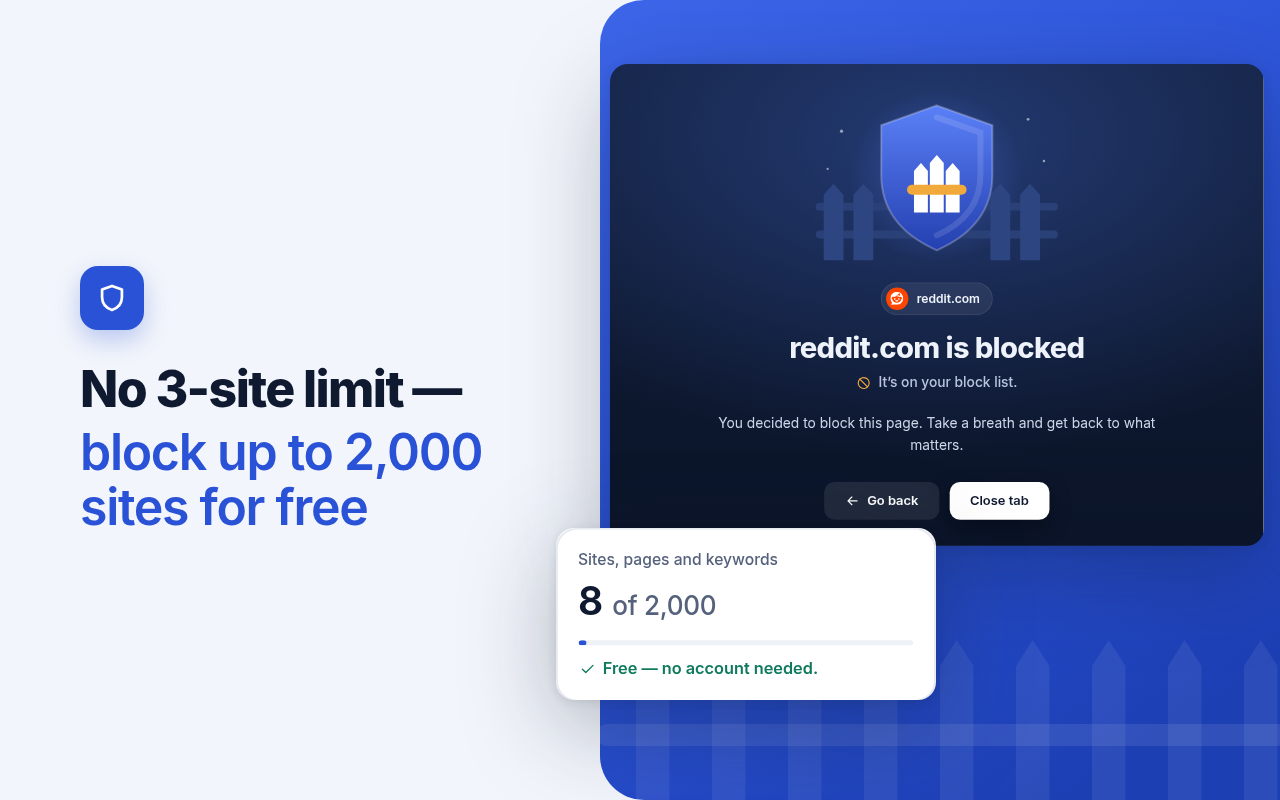
Screenshot of the Sitefence block page shown when a blocked site is opened

Screenshot — the block page shown when a blocked site is opened.

The problem

Distraction is one click away, all day

A quick check of a feed or a video site turns into half an hour before you notice. Willpower alone is a weak tool against sites designed to keep you scrolling. Sitefence puts a fence between you and the sites you chose to block, so staying on task does not depend on resisting temptation every single time.

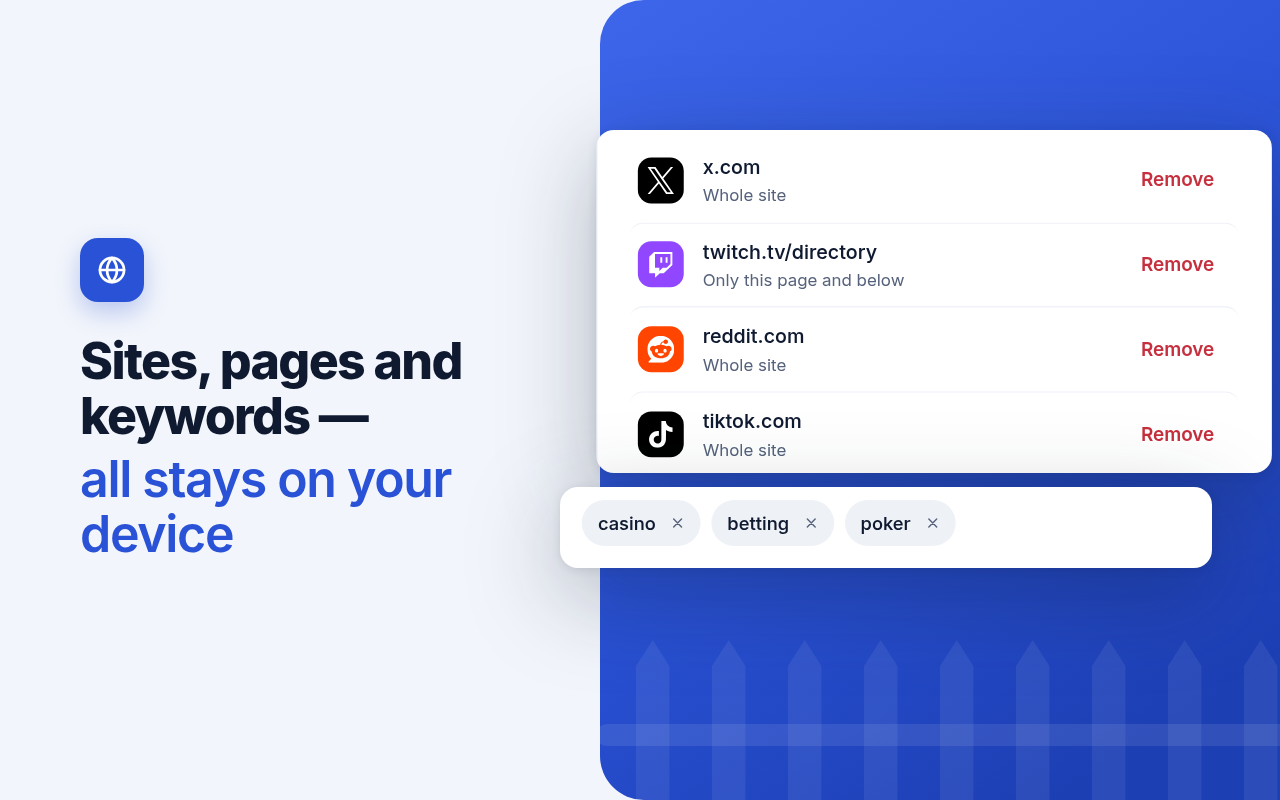
Block sites, paths, and keywords

Block a whole site, a specific path, or any page whose address contains a keyword you choose.

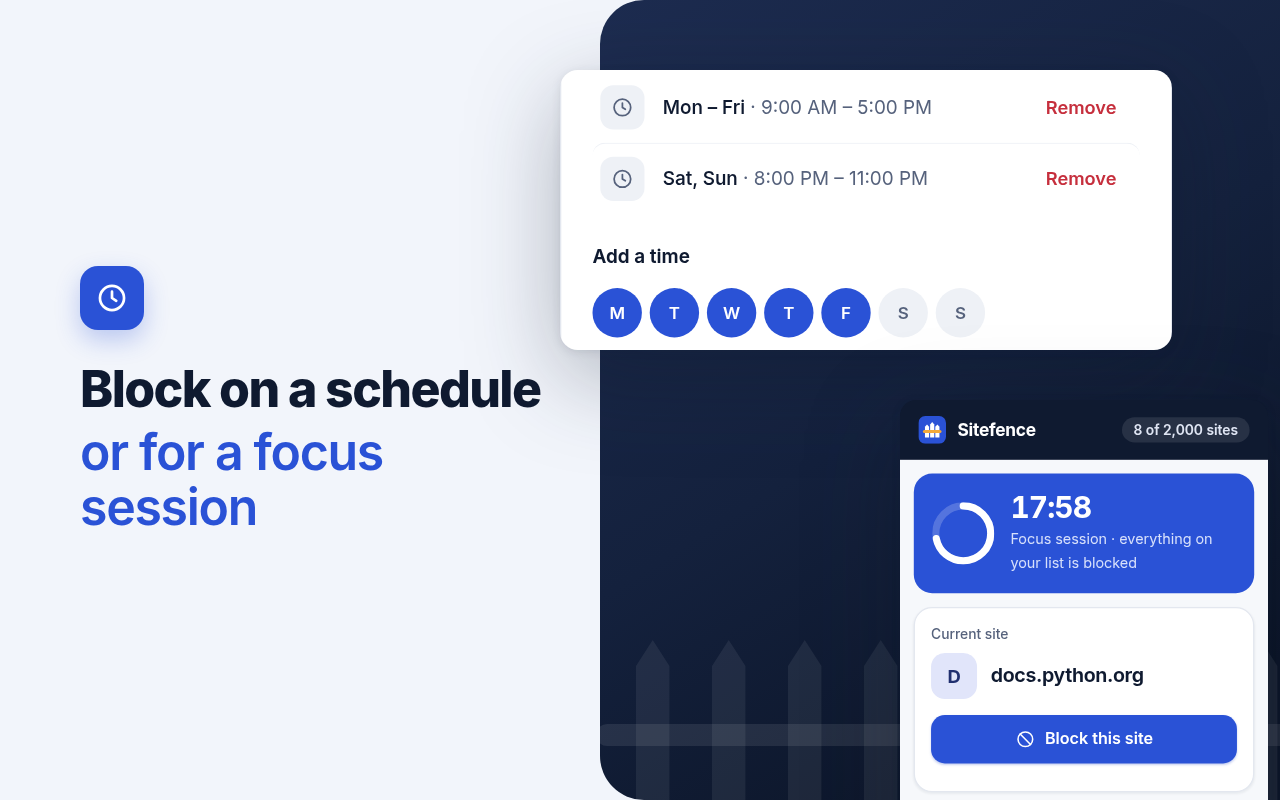
Scheduled blocking

Set the hours when your blocks apply, so evenings and weekends stay yours without changing settings.

Focus mode with a Pomodoro timer

Timed work sessions with a built-in Pomodoro timer, for when you want to focus for a set stretch and then stop.

Screenshots

What it looks like

Screenshots from Sitefence in desktop Chrome.

Screenshot of the Sitefence block page

Block page — what you see when a blocked site is opened.

Screenshot of the Sitefence toolbar popup

Toolbar popup — block the site you are on in one click.

Screenshot of the Sitefence block list

Block list — your blocked sites with familiar site icons.

Screenshot of Sitefence scheduled blocking and focus mode

Scheduled blocking and focus mode.

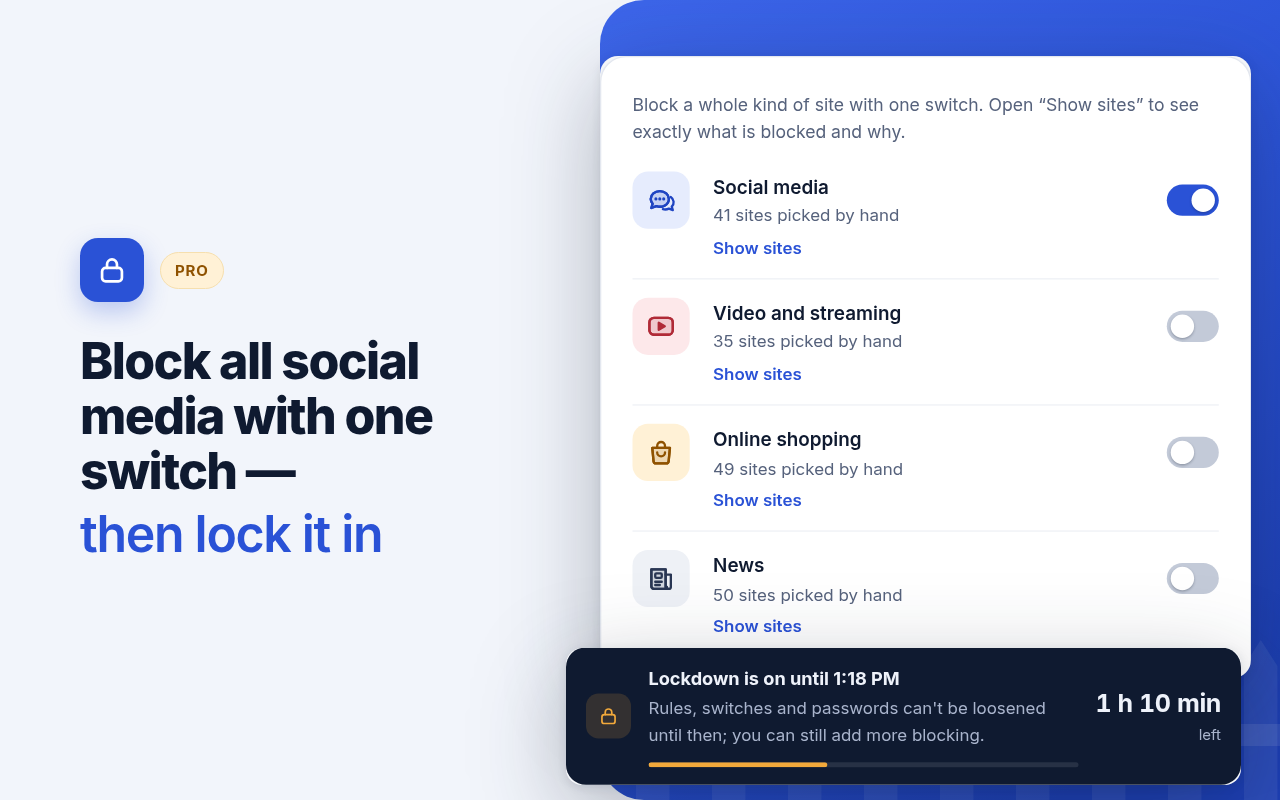
Screenshot of Sitefence block categories and Lockdown

Block by category and Lockdown.

Free & Pro

Free covers the blocking. Pro adds control.

The free version covers everyday blocking, including up to 2,000 sites. Pro adds password protection, custom block pages, daily time limits, browsing statistics, block by category, Lockdown, and Only-allow mode. Full details on the pricing page.

Free — $0

Block websites, paths, and keywords. No 3-site limit — block up to 2,000 sites for free. Scheduled blocking, focus mode with a Pomodoro timer, one-click blocking from the toolbar or the right-click menu, and familiar site icons in your block list.

Pro

Some features need Sitefence Pro (paid). Prices are on the pricing page. Password protection — treat it as a speed bump, not a security lock. Custom block pages, or redirect to a different URL when you hit a blocked site. Daily time limits for individual sites. Browsing statistics, stored on your own machine only. Block by category: Social, Video, Shopping, News, Games. The Adult category is labeled Beta and may over-block. Lockdown: a promise to yourself. Uninstalling the extension removes it. Only-allow mode: only the sites you allow will open.

Private by design

No account registration. The free version makes no network requests at all. If you activate Sitefence Pro, the extension contacts our license server (lukaslabs.top) to check your license key: when you activate, about once a day, and when you deactivate. It sends the license key and a random device number, nothing else. It never sends the sites you block or visit. Statistics stay on your own machine only. See our Privacy Policy.

Platform

Desktop Chrome only

Sitefence works on desktop Chrome. Phones and tablets are not supported, and there is no cross-device sync. Sitefence never stops you from removing it.

Questions

Frequently asked questions

Do I need an account?

No. There is no account registration and no sign-up — install it and start blocking.

Which browsers are supported?

Desktop Chrome only. Phones and tablets are not supported.

What data leaves my device?

On the free version, nothing — the free version makes no network requests at all. If you activate Pro, the extension sends only your license key and a random device number to our license server to check the key. It never sends the sites you block or visit. See our Privacy Policy.

What happens if I uninstall Sitefence?

Sitefence never stops you from removing it. Uninstalling the extension removes it, including Lockdown.

What if Pro isn't for me?

Every Pro purchase is covered by a 14-day, no-questions-asked refund. See the Refund Policy.

Where can I get Sitefence?

Sitefence is available now on the Chrome Web Store, free. Sitefence Pro is on sale on the pricing page.